


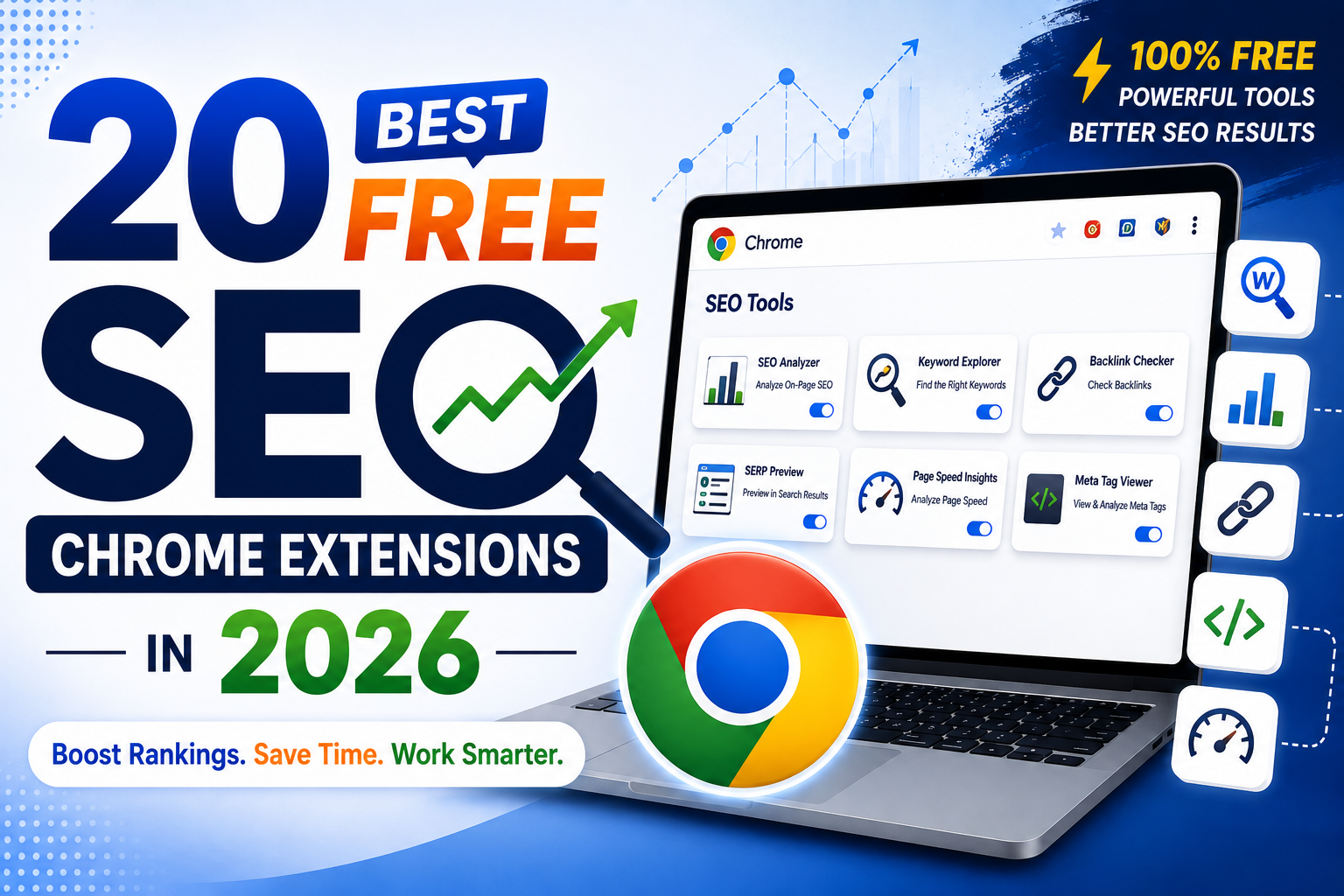
20 Best Free SEO Chrome Extensions: A Comprehensive Review for 2026
If your SEO toolkit still lives entirely in paid dashboards, you're doing more manual work than you need to. A handful of free Chrome extensions can hand you meta tags, keyword volume, backlink counts, and Core Web Vitals data without ever leaving the page you're looking at.
In short, free SEO Chrome extensions can help you research keywords, audit on-page SEO, check technical issues, analyze backlinks, and research competitors directly from your browser.
Below are the 20 best free SEO Chrome extensions worth having in 2026. If you're also updating your overall SEO strategy in 2026, here's a guide to optimizing for Google and AI search.— organized by what they actually help you do: keyword research, on-page audits, technical SEO, and outreach/link building. At the end, you'll find sample "extension stacks," so you're not running fifteen tools at once and slowing your browser down.
Quick Answer
The best all-round free SEO Chrome extensions in 2026 are Detailed SEO Extension (on-page audits), Keyword Surfer (keyword volume in search results), Ahrefs SEO Toolbar (backlinks and domain metrics), MozBar (domain authority), and Redirect Path (redirect chain debugging). Together, these five cover 80% of day-to-day SEO checks without a paid subscription.
What Are SEO Chrome Extensions?
SEO Chrome extensions are browser-based tools that help website owners, marketers, and SEO professionals analyze and optimize websites directly from Chrome. They can provide information about keywords, metadata, backlinks, technical SEO, Core Web Vitals, structured data, and competitor websites without requiring you to leave the page.
What Are the Best SEO Chrome Extensions for Keyword and Content Research?
The best free SEO Chrome extensions for keyword and content research include Keyword Surfer, Keywords Everywhere, Ubersuggest, and Glimpse. They help you discover search volume, keyword ideas, content opportunities, and trending topics directly from your browser.
1. Keyword Surfer
Overlays search volume, CPC, and related keywords directly inside Google's results page — no dashboard switching required. It's the easiest entry point for anyone new to keyword research, since it works the moment you install it. Best for: Content teams doing quick keyword ideation while browsing SERPs.
2. Keywords Everywhere
Similar concept to Keyword Surfer but with a broader data feed, including search volume across multiple search engines and "People Also Search For" data. The core extension is low-cost with a limited free tier. Best for: Writers who want keyword data on every page they browse, not just Google search.
3. Ubersuggest
Shows keyword ideas, estimated traffic, and content ideas for any URL you're viewing. For a broader SEO strategy beyond keyword research, see our guide to SEO tactics that can boost leads and conversions. The free tier caps daily lookups but is enough for occasional research. Best for: Quick competitor content gap checks.
4. Glimpse
Adds Google Trends-style trend data on top of your searches, useful for spotting rising topics before they peak. Best for: Trend-driven content planning and seasonal topic timing.
Which Chrome Extensions Are Best for On-Page SEO Audits?
Detailed SEO Extension, SEOquake, SEO Meta in 1 Click, MozBar, Ahrefs SEO Toolbar, and Woorank are useful for on-page SEO audits. They help check metadata, headings, links, authority metrics, schema, and other important page-level SEO elements.
5. Detailed SEO Extension
Now maintained by Ahrefs, this is widely considered the single must-have free extension. It surfaces title tags, meta descriptions, canonicals, robots directives, heading structure, and schema markup in one click — no account required. Best for: Fast on-page QA on any page, client or competitor.
6. SEOquake
One of the longest-running names in this category. It bundles organic search data, a built-in audit tool, keyword density reporting, and internal/external link breakdowns into a single toolbar. Best for: Agencies comparing multiple pages or competitors quickly.
7. SEO Meta in 1 Click
A lightweight, no-frills extension that dumps all meta tags, headers, and alt text for a page into a single popup. Good for a fast sanity check before a deeper audit. Best for: Quick meta tag verification during content publishing.
8. MozBar
Pulls Moz's Domain Authority and Page Authority scores plus a spam score for any site you visit, along with an on-page breakdown of titles, headers, and alt text. Best for: Fast authority checks while link prospecting.
9. Ahrefs SEO Toolbar
Shows Domain Rating, URL Rating, and backlink counts directly on search results and any page you visit, with a free account. Also flags broken links and redirect issues. Best for: Competitive backlink snapshots without opening the full Ahrefs dashboard.
10. Woorank Extension
Runs a lightweight on-page audit covering SEO basics, mobile-friendliness, and social markup presence, summarized as a simple score. Best for: Client-facing quick-win audits during pitches.
Which Chrome Extensions Are Best for Technical SEO?
The best technical SEO Chrome extensions in this list include Redirect Path, Web Vitals, Quick JavaScript Switcher, View Rendered Source, Wappalyzer, Tag Assistant, and Schema Builder. These tools help diagnose redirects, Core Web Vitals, JavaScript rendering, technology stacks, tracking, and structured data.
11. Redirect Path
Shows the full chain of redirects (301s, 302s) for any URL, including status codes at each hop. Essential when debugging migrations or broken link equity. Best for: Diagnosing redirect chains and loops fast.
12. Web Vitals (by Google)
An official Google extension that measures Core Web Vitals — LCP, INP, and CLS — in real time as you browse, without needing to run a full Lighthouse report. Best for: Spot-checking page experience metrics during development.
13. Quick JavaScript Switcher
Toggles JavaScript on and off for a page instantly. Pairs well with "View Rendered Source" to check whether critical content is hidden behind client-side rendering that search engines might not see. Best for: Diagnosing JS-dependent content visibility for crawlers.
14. View Rendered Source
Shows the fully rendered DOM after JavaScript execution, side by side with the raw HTML — critical for auditing JavaScript-heavy sites (React, Vue, etc.). Best for: Technical SEOs auditing modern web apps.
15. Wappalyzer
Detects the technology stack behind any website — CMS, analytics tools, frameworks, hosting, and ad tech. Useful for understanding what a competitor or client site is built on before recommending changes. Best for: Technical discovery during onboarding or competitor research.
16. Tag Assistant (Legacy) by Google
Validates whether Google Tag Manager, Google Analytics, and related tags are firing correctly on a page. Best for: Catching broken tracking before it skews your reporting.
17. Schema Builder
Generates and validates JSON-LD structured data for common schema types (Article, Product, FAQPage, LocalBusiness) without hand-coding markup. Best for: Adding schema to pages quickly without a developer.
Which SEO Chrome Extensions Are Best for Link Building and Competitor Research?
If you're using these extensions for backlink research and outreach, learn more about our off-page SEO techniques for building authority and rankings.
18. Check My Links
Scans a page and highlights every broken link in red, saving you from manually clicking through navigation and footer links. Best for: Finding broken internal/external links during content audits.
19. SimilarWeb
Provides an at-a-glance traffic estimate, top referral sources, and audience geography for any site you visit. Best for: Sizing up competitor traffic and channel mix before outreach.
20. Hunter.io
Finds and verifies email addresses associated with a domain, streamlining outreach for guest posts, backlinks, or partnerships. Best for: Link building and digital PR outreach.
Comparison at a Glance
How Do You Build Your Own SEO Chrome Extension Stack?
Running ten-plus SEO extensions at once slows Chrome down and clutters your toolbar. Stick to 5–7 active extensions based on your role:
- Content writers: Keyword Surfer + Detailed SEO Extension + SEO Meta in 1 Click
- Technical SEOs: Ahrefs SEO Toolbar + Redirect Path + Web Vitals + View Rendered Source
- Agencies managing multiple clients: SEOquake + Ahrefs SEO Toolbar + SimilarWeb + Hunter.io + Schema Builder
- Beginners: Keyword Surfer + MozBar + Detailed SEO Extension
Disable extensions you're not actively using rather than uninstalling — most Chrome extensions let you toggle them off per-site or globally from the extensions menu, keeping your browser fast without losing the setup later.
Frequently Asked Questions
Are free SEO Chrome extensions enough to rank a website?
Free extensions cover the data layer — keyword volume, meta tags, backlink counts, Core Web Vitals — but ranking still depends on content quality, site structure, and consistent optimization. They're research and diagnostic tools, not a replacement for strategy.
How many SEO extensions should I run at once?
Keep it to 5–7 active extensions. Extensions that inject data into every Google search result (like SEOquake and Keyword Surfer running together) can noticeably slow down page load and search speed.
Is Ahrefs SEO Toolbar really free?
Yes, the toolbar itself is free to install and use with a free Ahrefs account, though some deeper backlink data is limited compared to a paid Ahrefs subscription.
What's the single most useful free SEO extension?
Detailed SEO Extension is the most commonly recommended starting point since it needs no account, no setup, and instantly surfaces the core on-page elements — titles, meta descriptions, canonicals, and schema.
Do these extensions work on mobile Chrome?
No. Chrome extensions only run on desktop Chrome (and Chromium-based browsers like Edge or Brave). For mobile SEO checks, you'll need to use each tool's web-based dashboard instead.

Comments (0)